
The TinyTools blog
Practical guides to PDFs, images, video and everyday file jobs — with the tool you need right there in the article. RSS feed
 VideoHow to Compress a Video for WhatsAppCompress a video for WhatsApp so it sends fast, stays sharp and uses less data. A free, step-by-step guide that works in your browser with no upload.7 October 2026 · 6 min read
 ImagesHow to Compress an Image Without Losing QualityHow to compress an image without losing quality you can see. The right settings, formats and resizing tricks to shrink photos and keep them sharp.7 October 2026 · 6 min read
 PDFHow to Compress a PDF to a Smaller Size (Free)Compress a PDF to a smaller size for free in your browser. Learn which compression level to pick, what actually shrinks, and why nothing is uploaded.7 October 2026 · 6 min read
 ProductivityHow to Compare Two Texts and Find the DifferencesCompare two texts online and see every added or removed line highlighted. Check contracts, CVs, essays and config files privately in your browser.5 October 2026 · 6 min read
 Small BusinessBusiness Name Checklist Before You RegisterA practical business name checklist to run before you register, covering spelling, meaning, similar names, social handles, domains and room to grow.5 October 2026 · 7 min read
 PrivacyAre Online File Converters Safe? What to CheckAre online file converters safe? Often, but it depends where your file goes. What to check before you upload, and how to keep sensitive files local.3 October 2026 · 7 min read
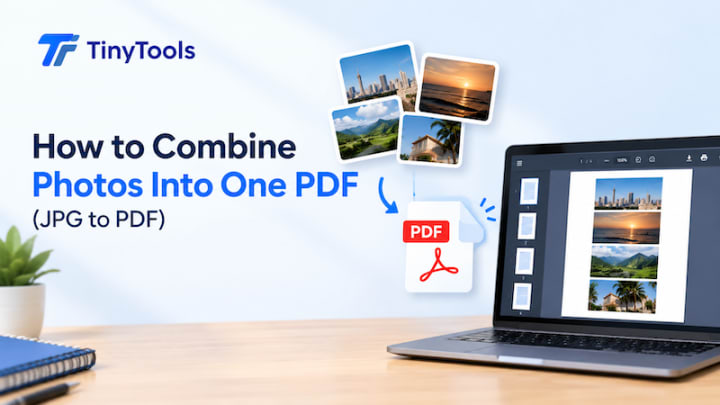 PDFHow to Combine Photos Into One PDF (JPG to PDF)Combine photos into one PDF with a free JPG to PDF converter. Put pages in order, pick A4 or fit-to-image, and keep the file small. Nothing is uploaded.3 October 2026 · 6 min read
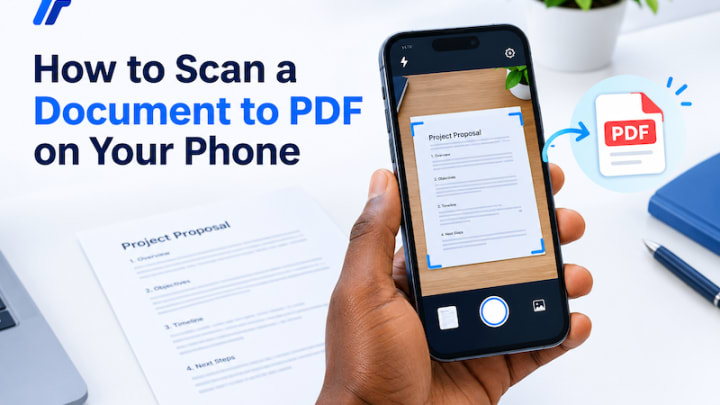 PDFHow to Scan a Document to PDF on Your PhoneScan a document to PDF on your phone with just the camera and a browser. Get clear, straight, readable pages, then combine and shrink them. No app needed.2 October 2026 · 6 min read
 PrivacyHow to Remove Location Data From Your PhotosHow to remove location data from photos before you share them. Check a picture's EXIF and GPS details, then save a clean copy, free and in your browser.2 October 2026 · 7 min read